
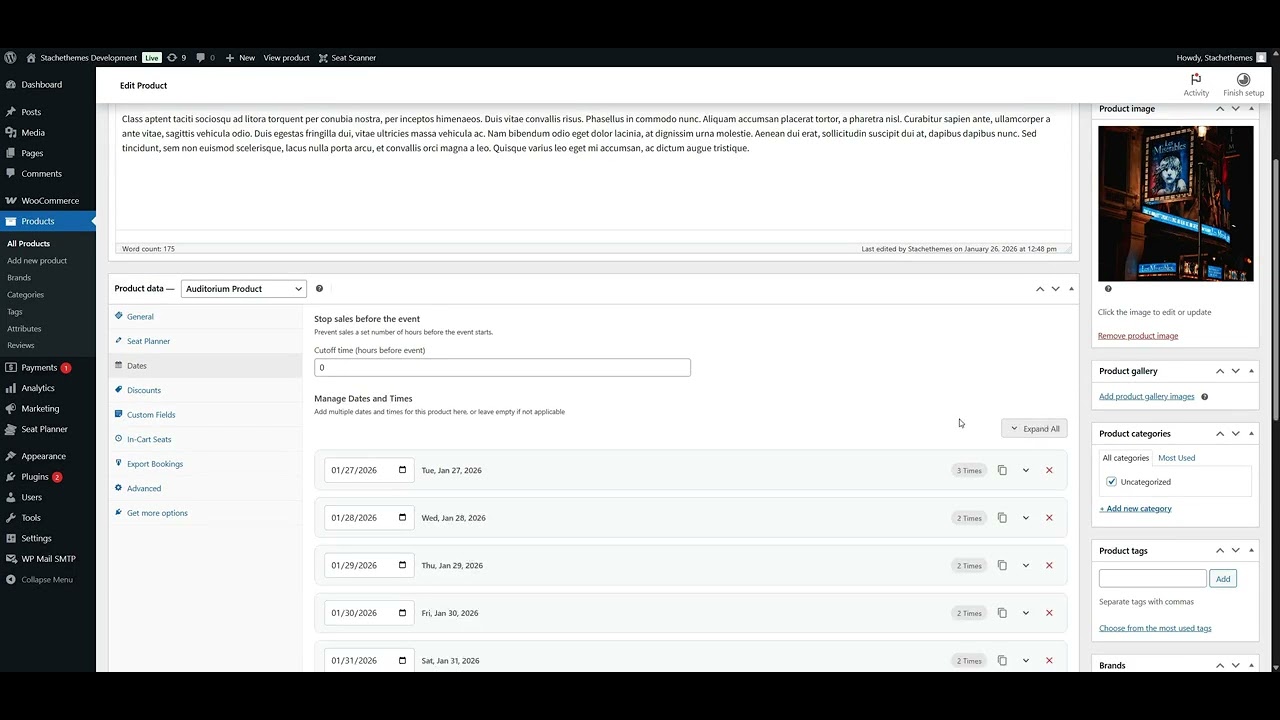
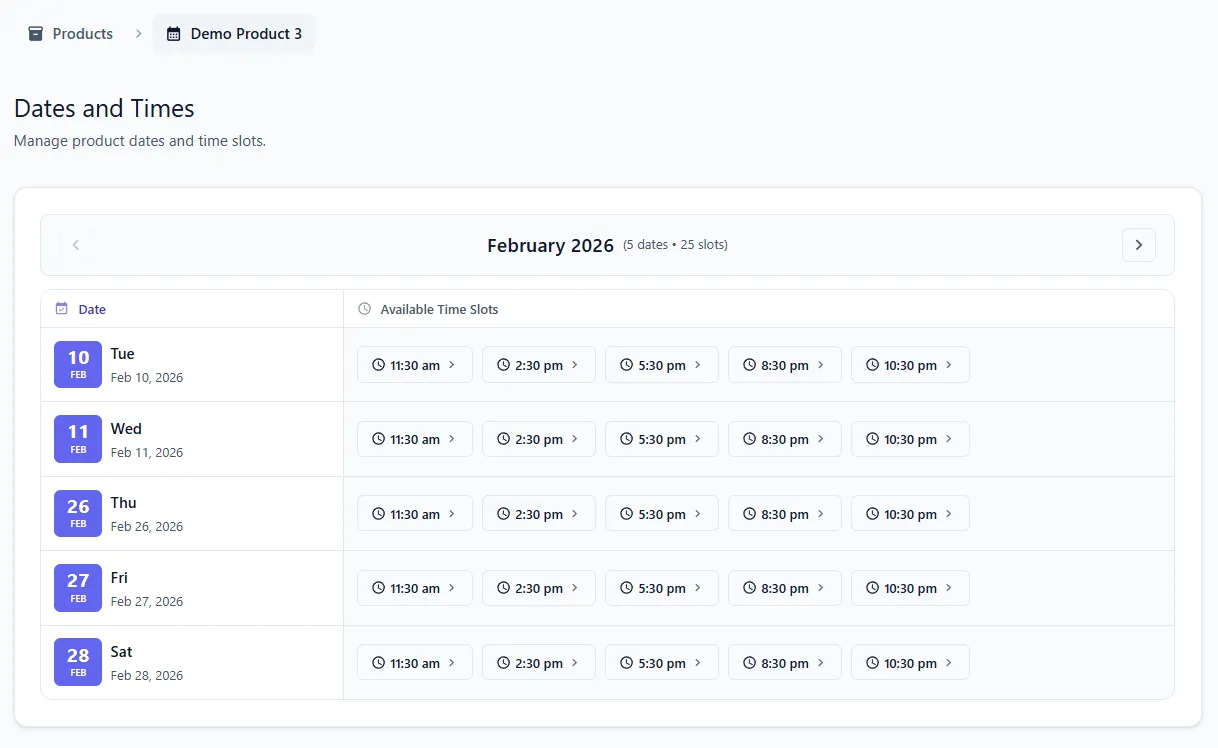
How to Add Dates
Add and manage event dates for your seat planner products.


A WooCommerce extension for selling assigned seats from interactive floor plans - built for theaters, cinemas, event spaces, and venues that want professional seat booking without enterprise stadium ticketing complexity.
Outstanding plugin for interactive seating management - perfect for restaurants, cinemas, theaters, and events. Intuitive seat planner with excellent WooCommerce integration.

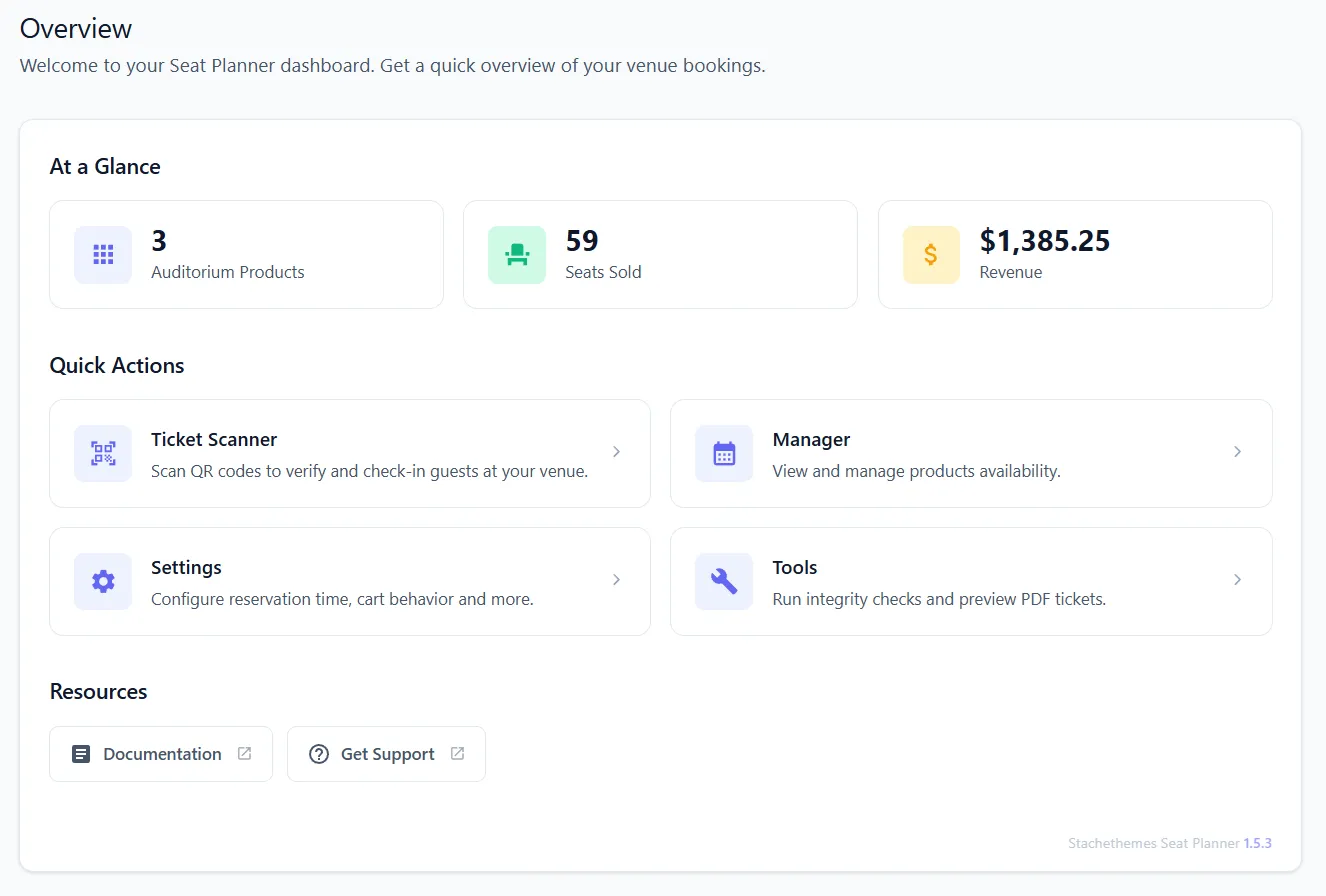
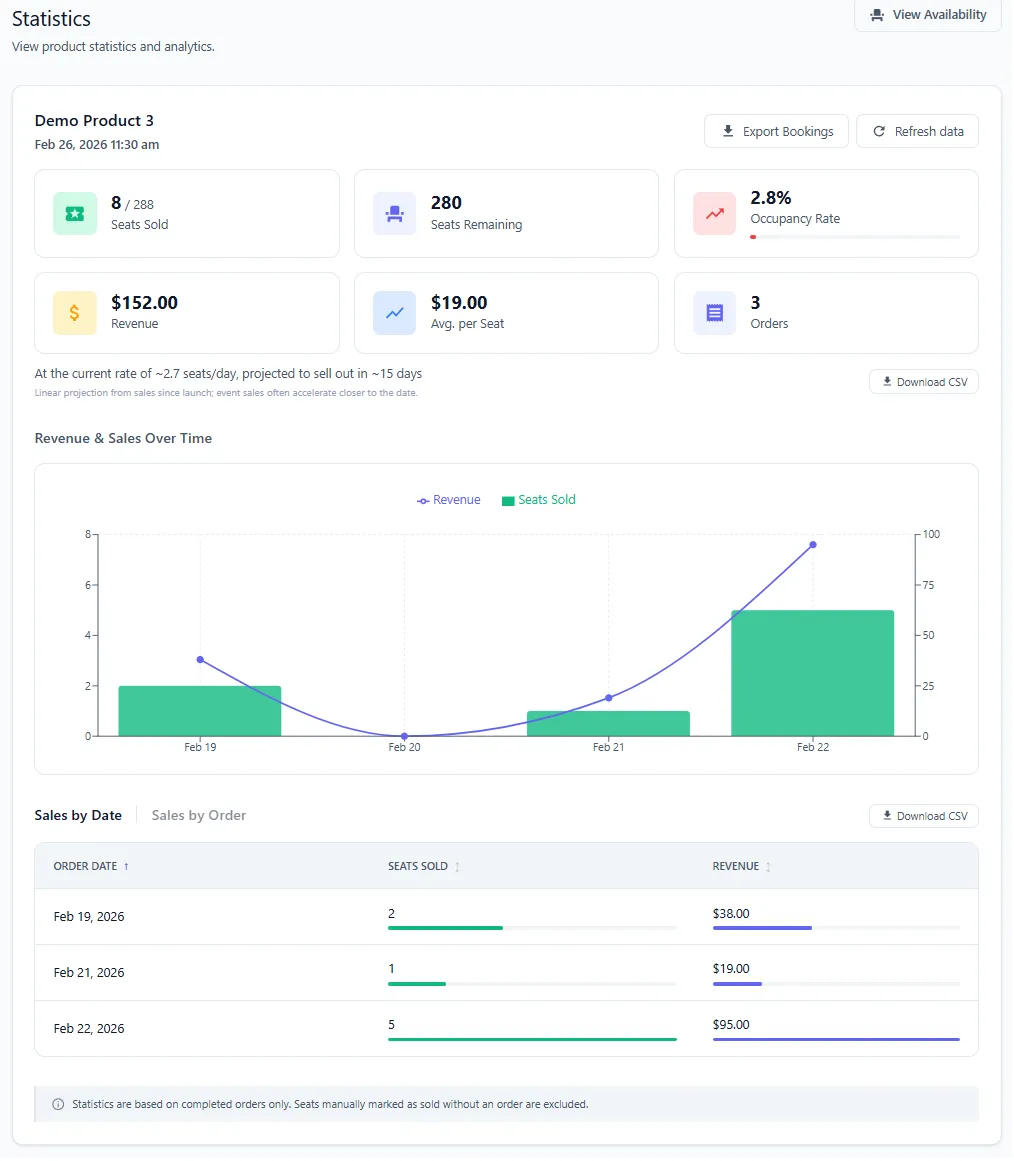
Customers pick seats on a live map → WooCommerce handles cart, checkout, coupons, and orders → You manage layouts, pricing, multiple show dates, box-office sales, check-in, and reporting from one plugin.
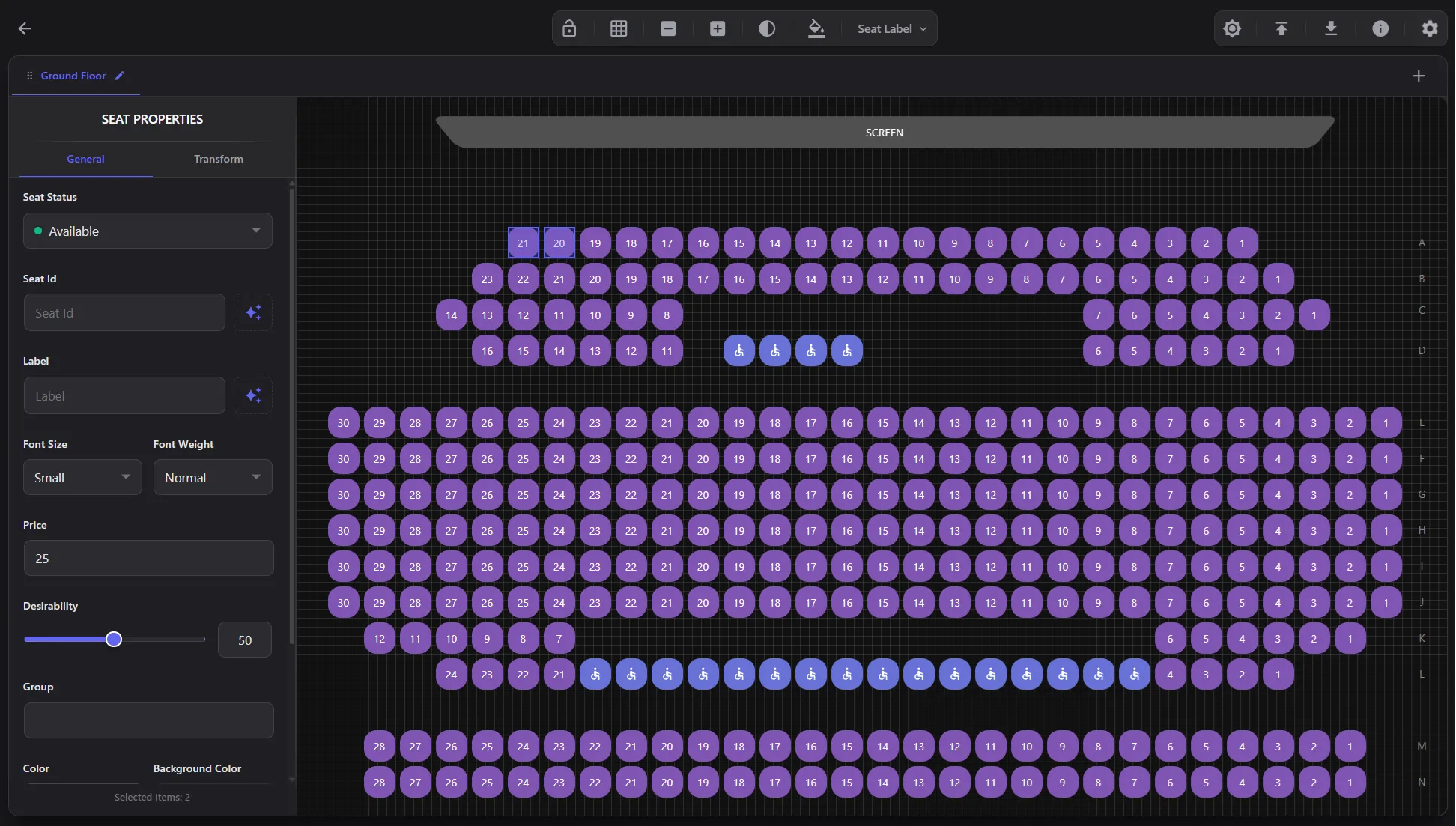
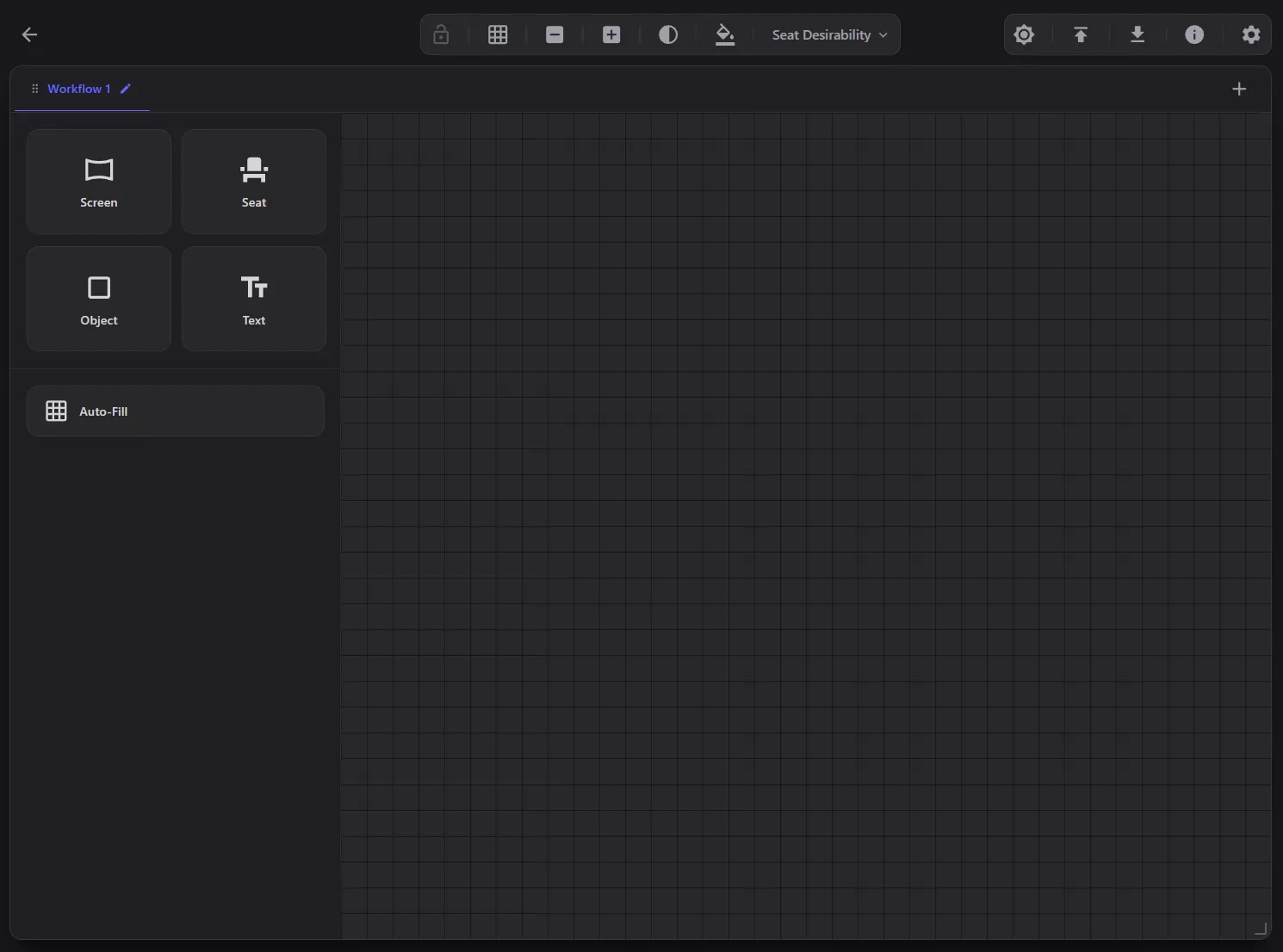
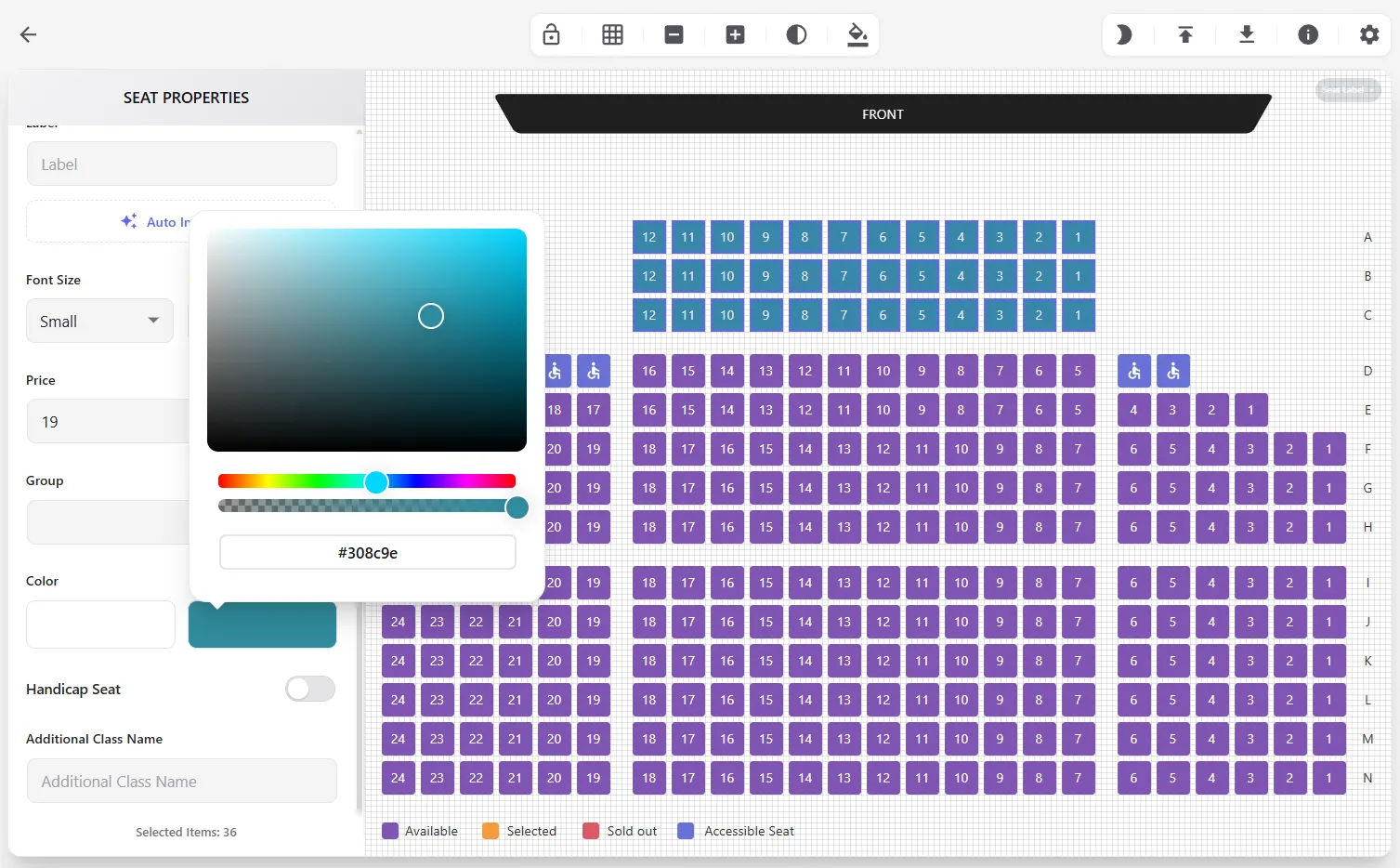
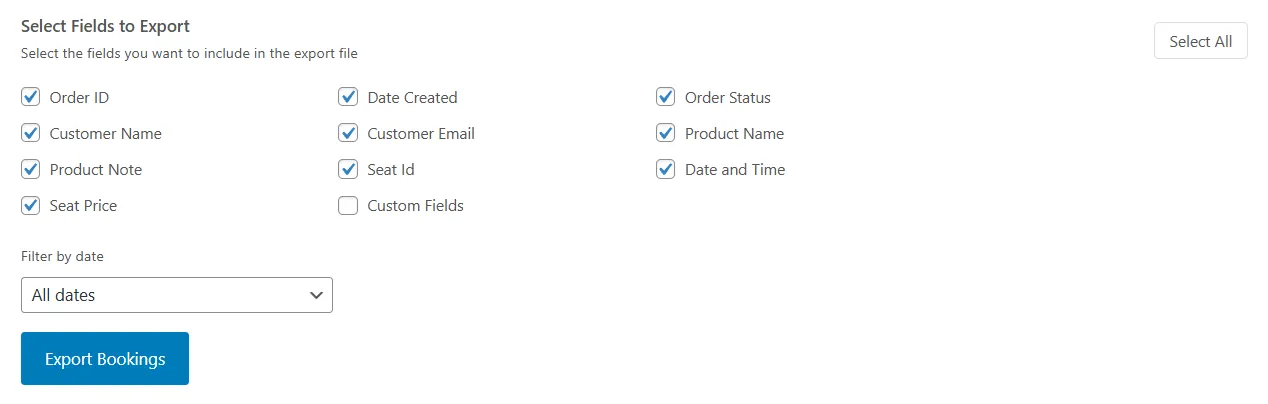
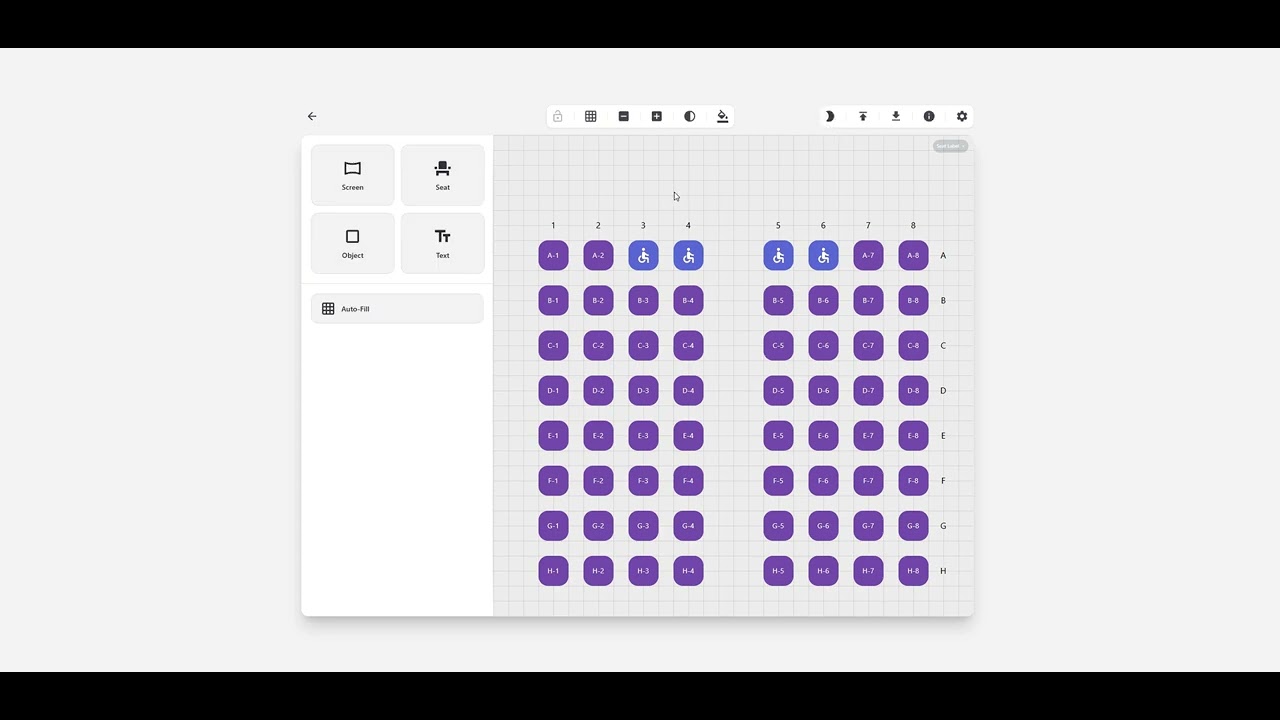
Design seats, zones, and labels in the drag-and-drop planner. Import or export CSV when you need to move layouts between products.
Add showtimes, set prices per seat, and let customers reserve seats during checkout. Payments run through your existing WooCommerce store.
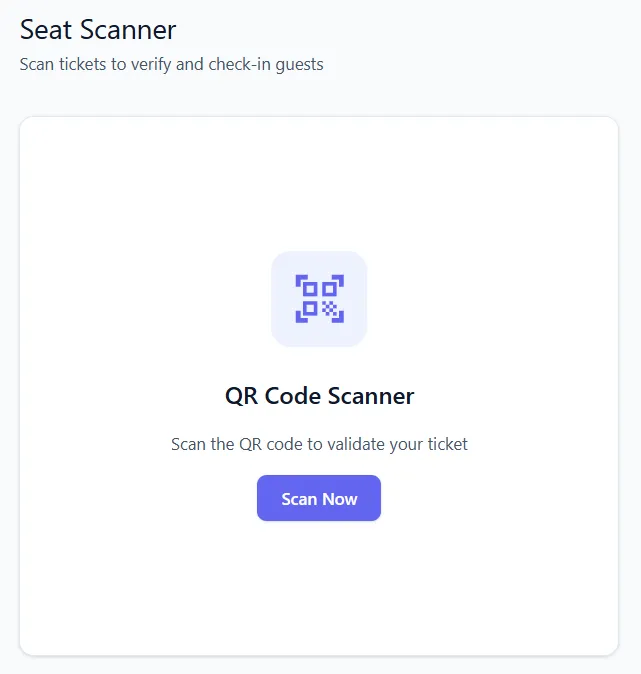
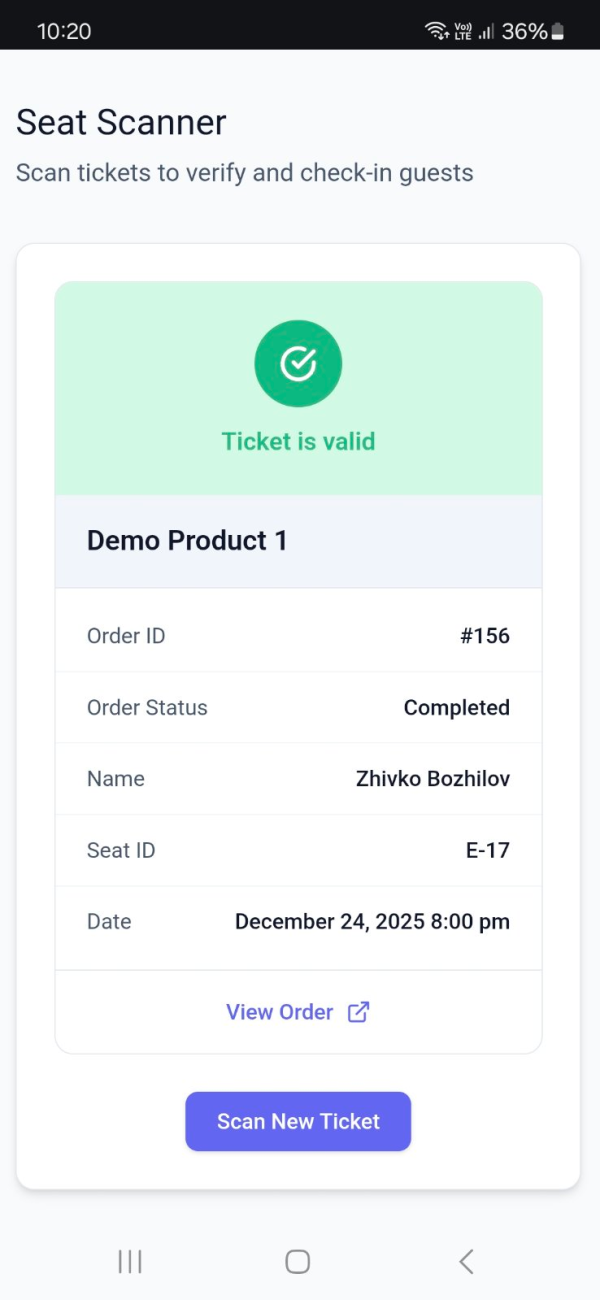
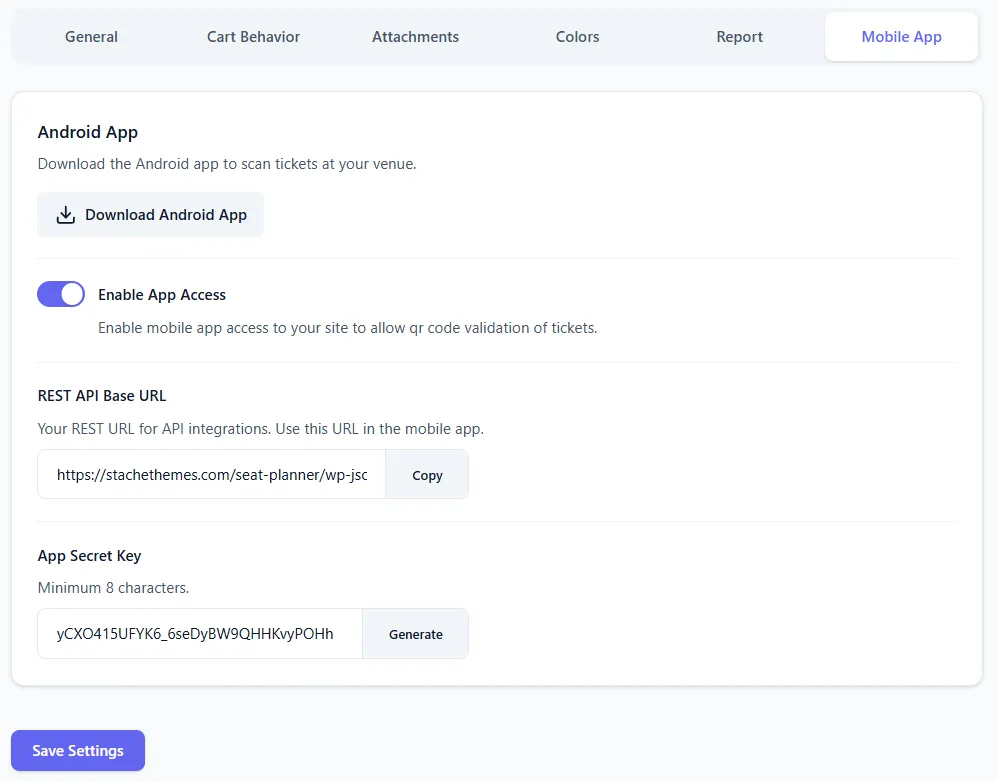
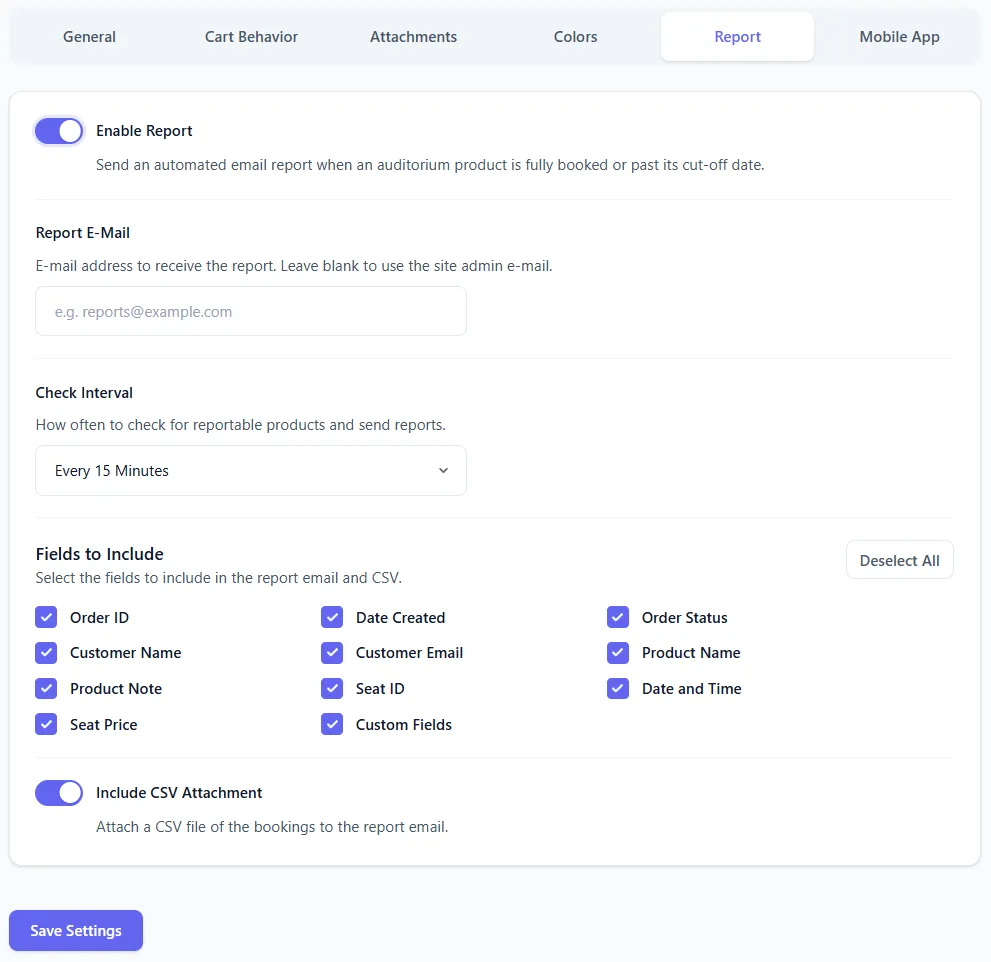
Send PDF tickets with QR codes, scan at entry with the browser or Android app, and manage availability in the Manager.
Theaters, cinemas, restaurants, and workshops - not stadium-scale ticketing. If guests choose a specific seat or table before they pay, Seat Planner fits.
Sell reserved seats per performance from one seating chart. Stop online sales before curtain time.
Run multiple showtimes on the same layout with per-slot availability and zone pricing.
Let diners book a specific table or seat for a service period - ideal for tastings and special events.
Sell numbered seats or spots for classes and talks with WooCommerce checkout and QR check-in.
A quick look at what matters most when you sell assigned seats online.
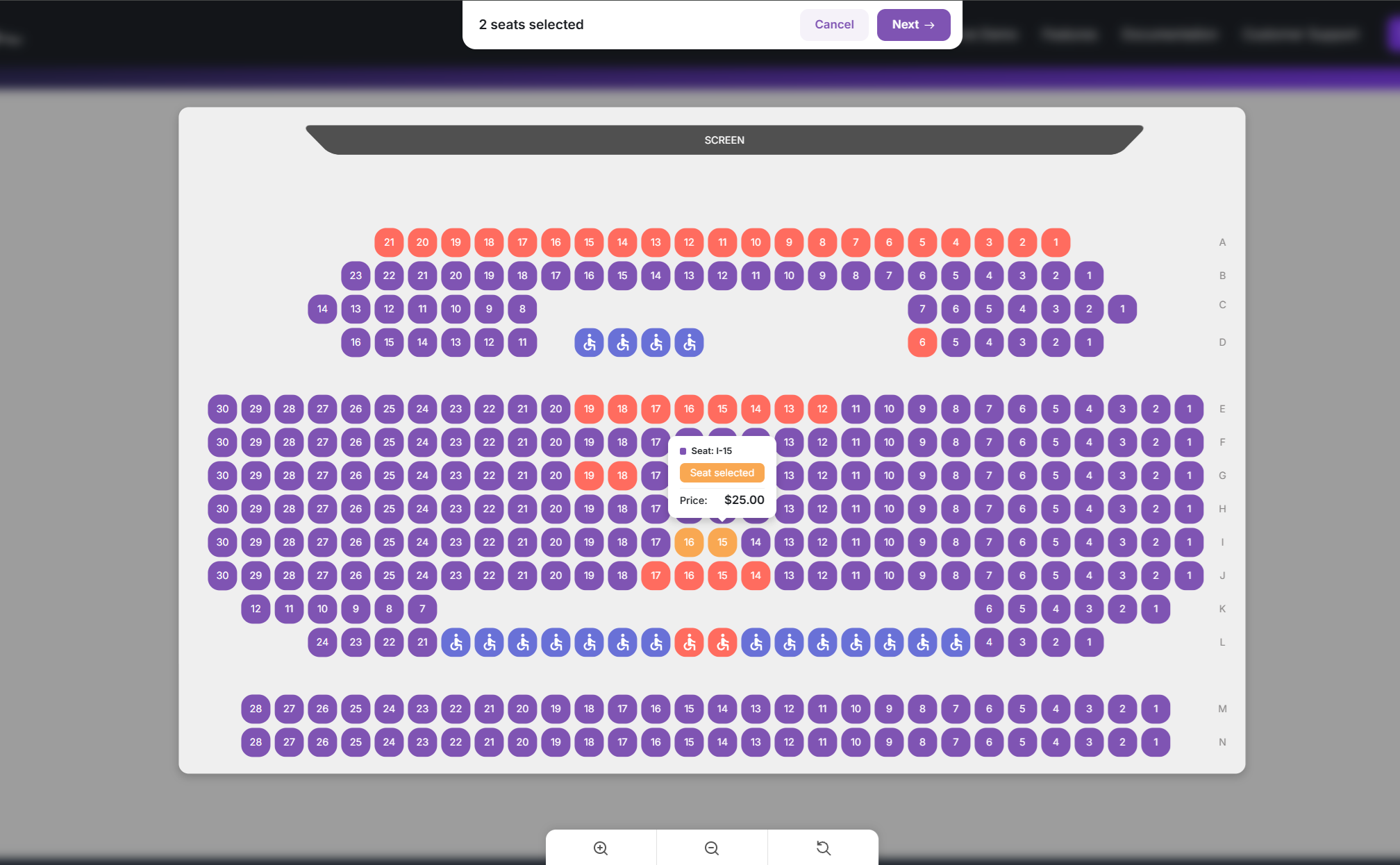
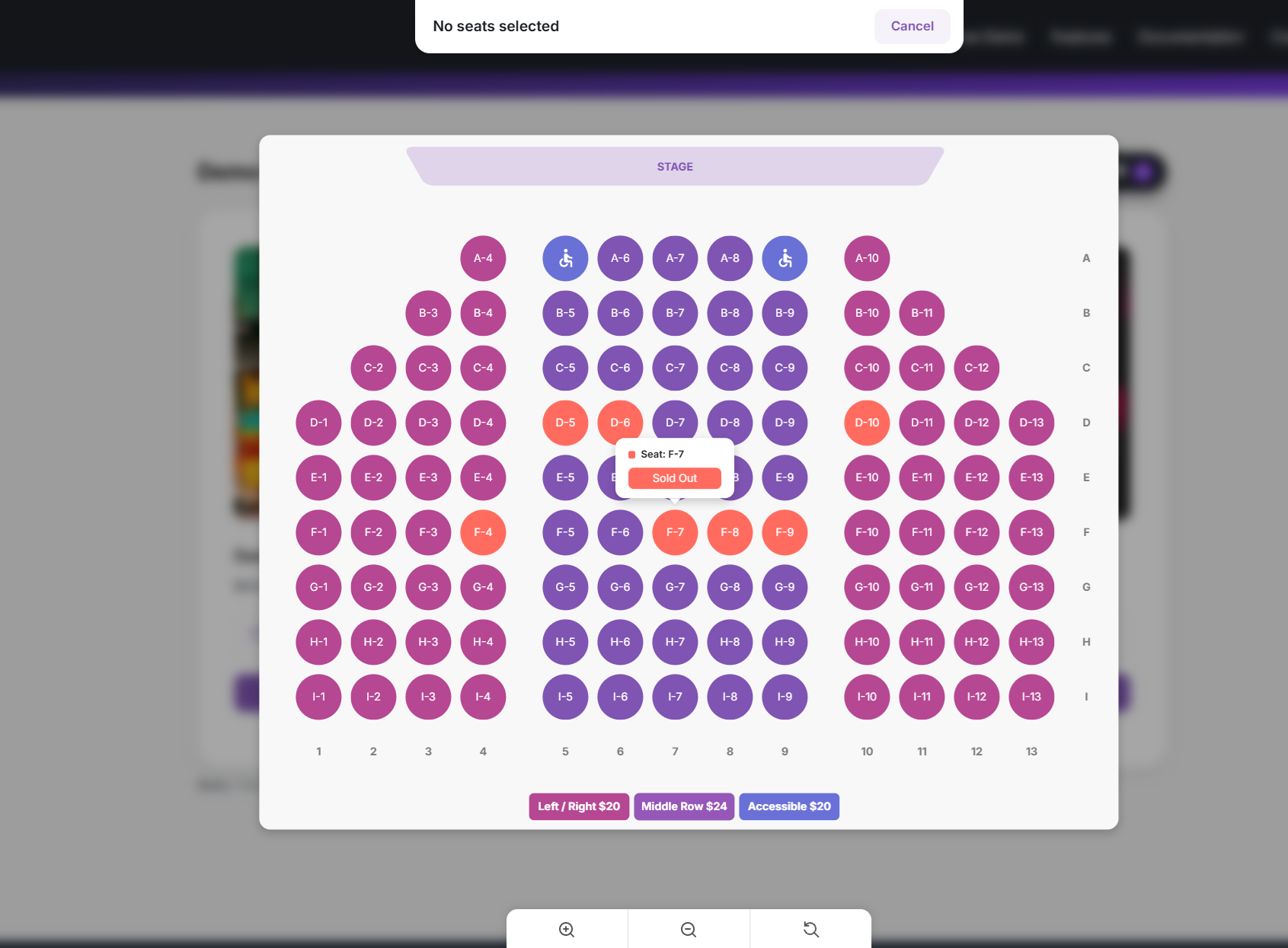
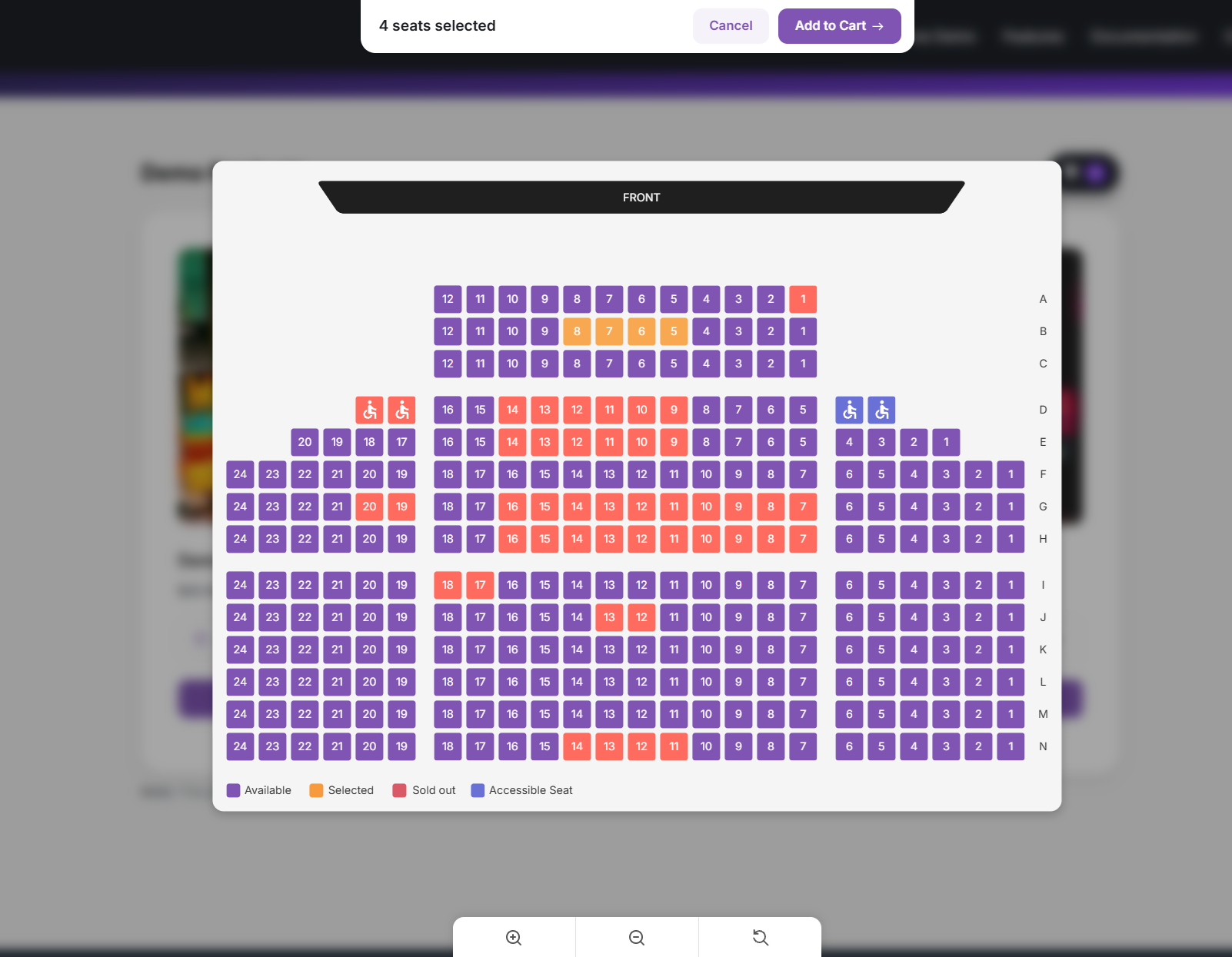
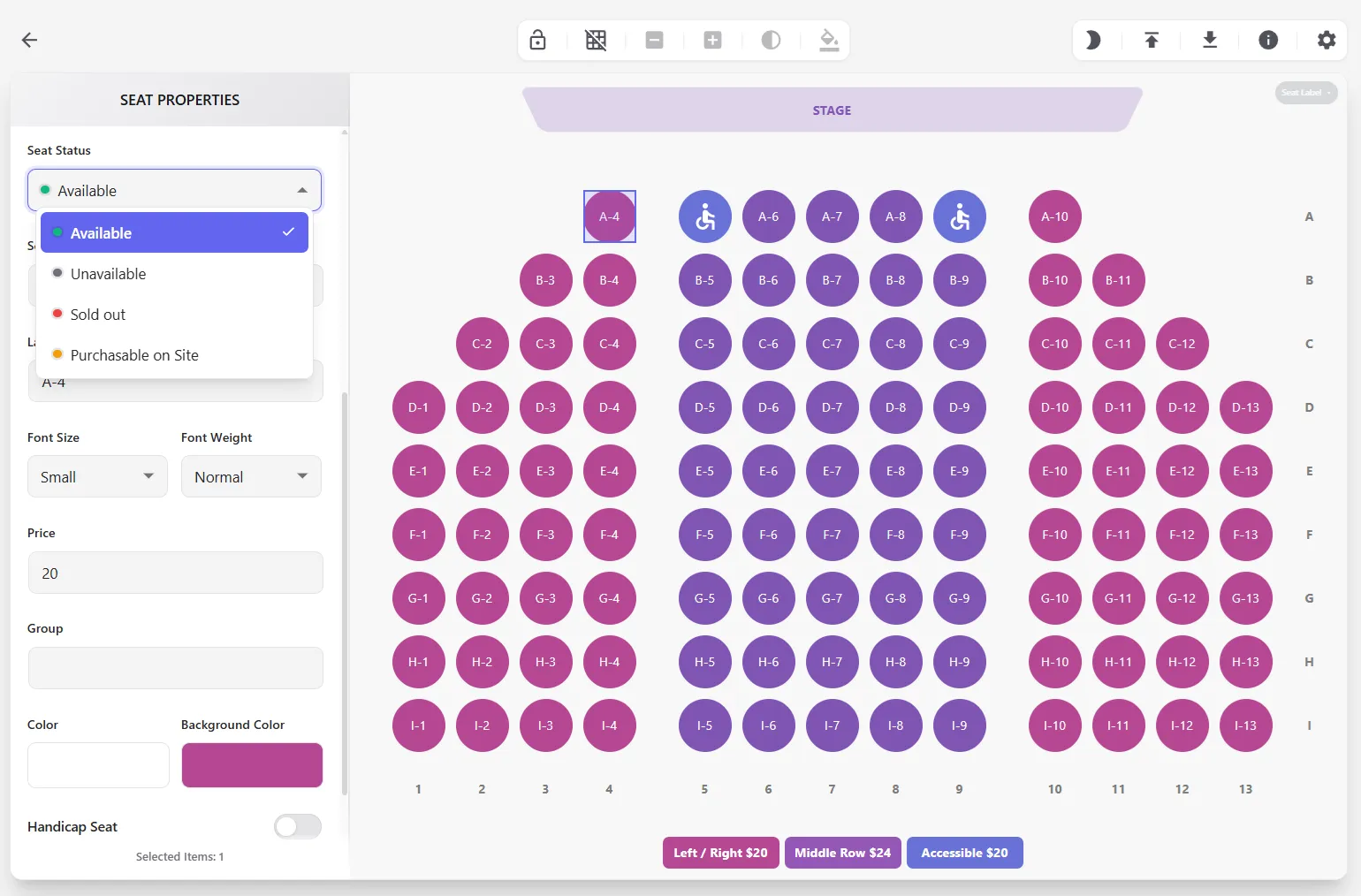
Customers zoom, pan, and pick exact seats on a live map with real-time prices and availability.
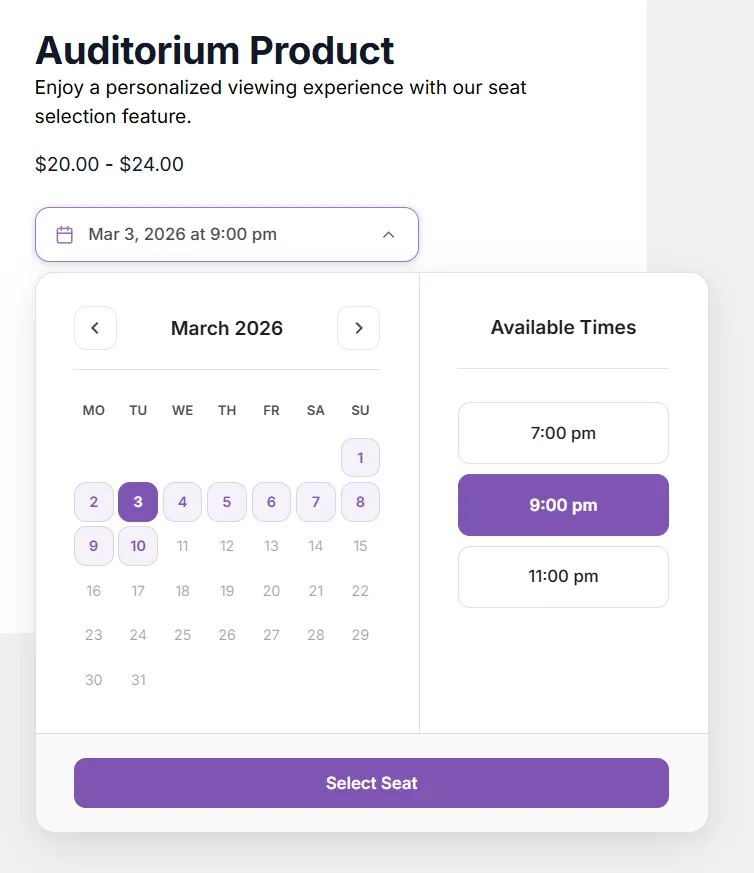
Run one seating chart across many dates or time slots. Stop sales before each session with flexible cut-off rules.
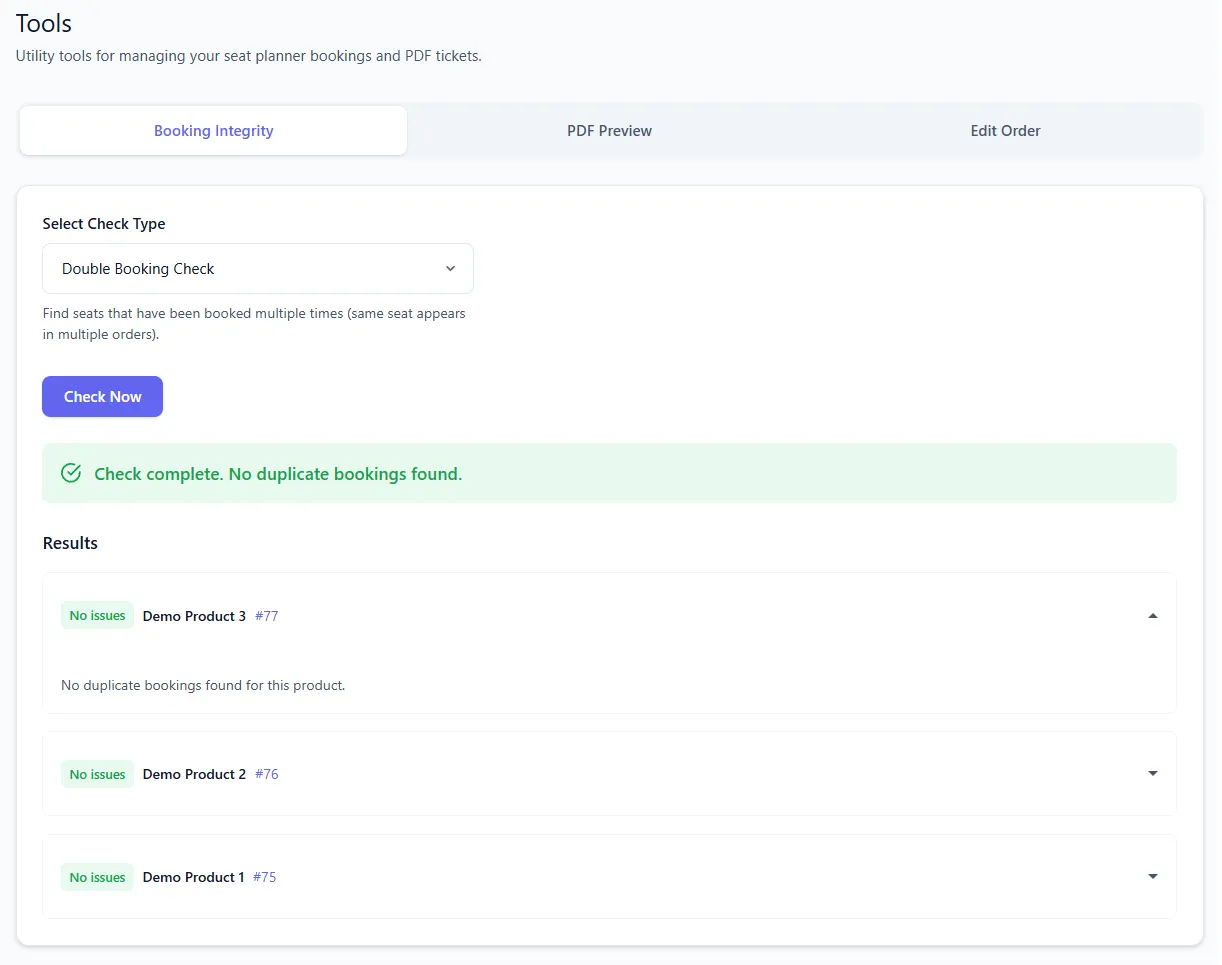
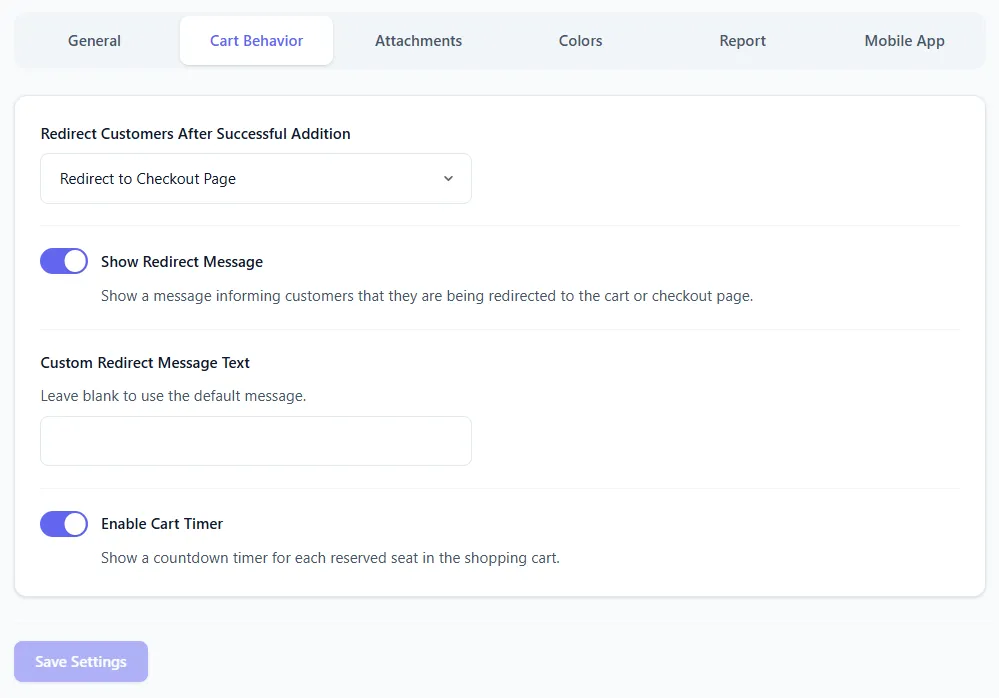
Cart timers hold seats during checkout, with early conflict checks and tools to find double, ghost, or orphan taken seats.
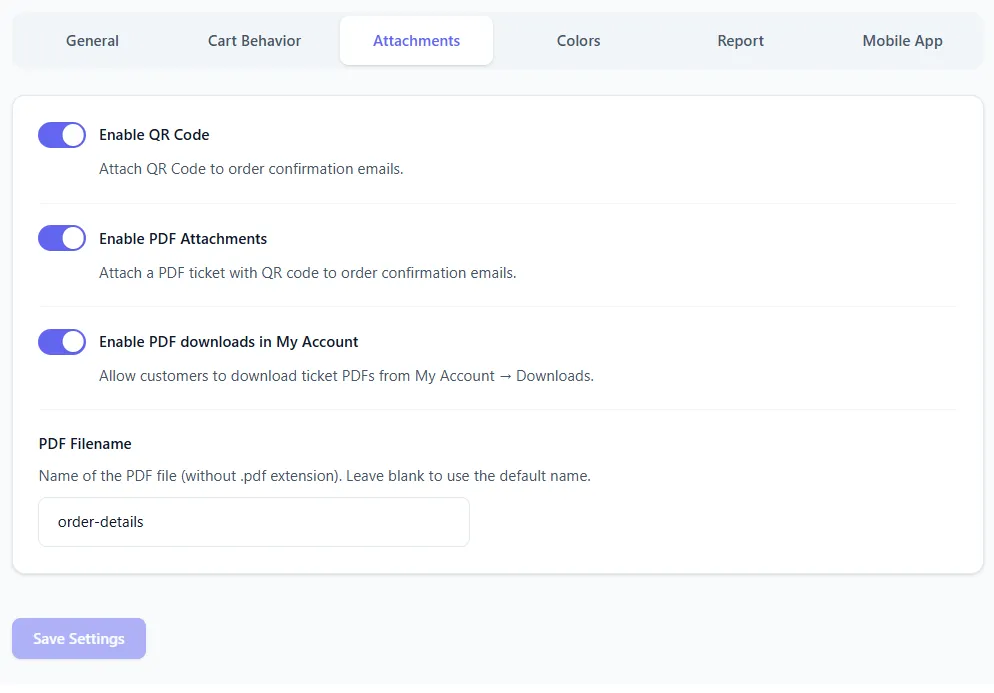
Email printable PDF tickets with unique QR codes. Customers can also download tickets from My Account.
Get the Lite version from WordPress.org to try the seat selector before upgrading to Pro on WooCommerce.com.
Watch short videos that walk you through creating layouts, configuring products, and managing bookings.
Add and manage event dates for your seat planner products.
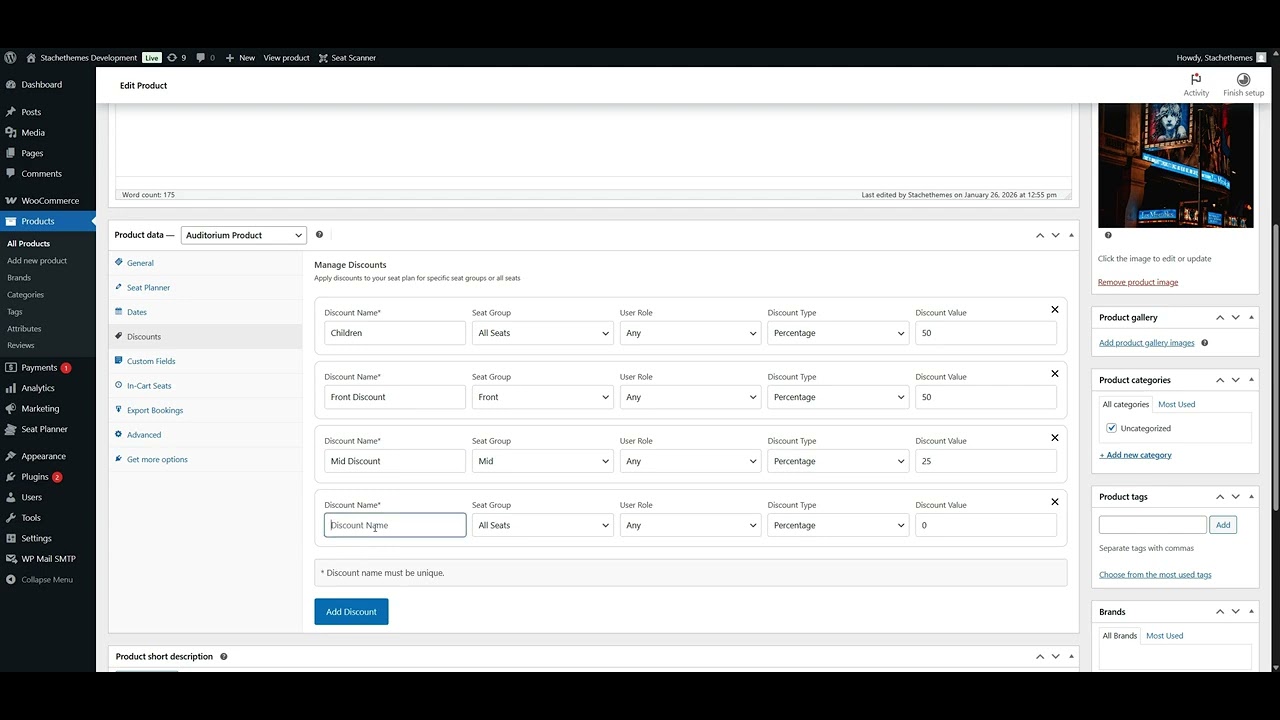
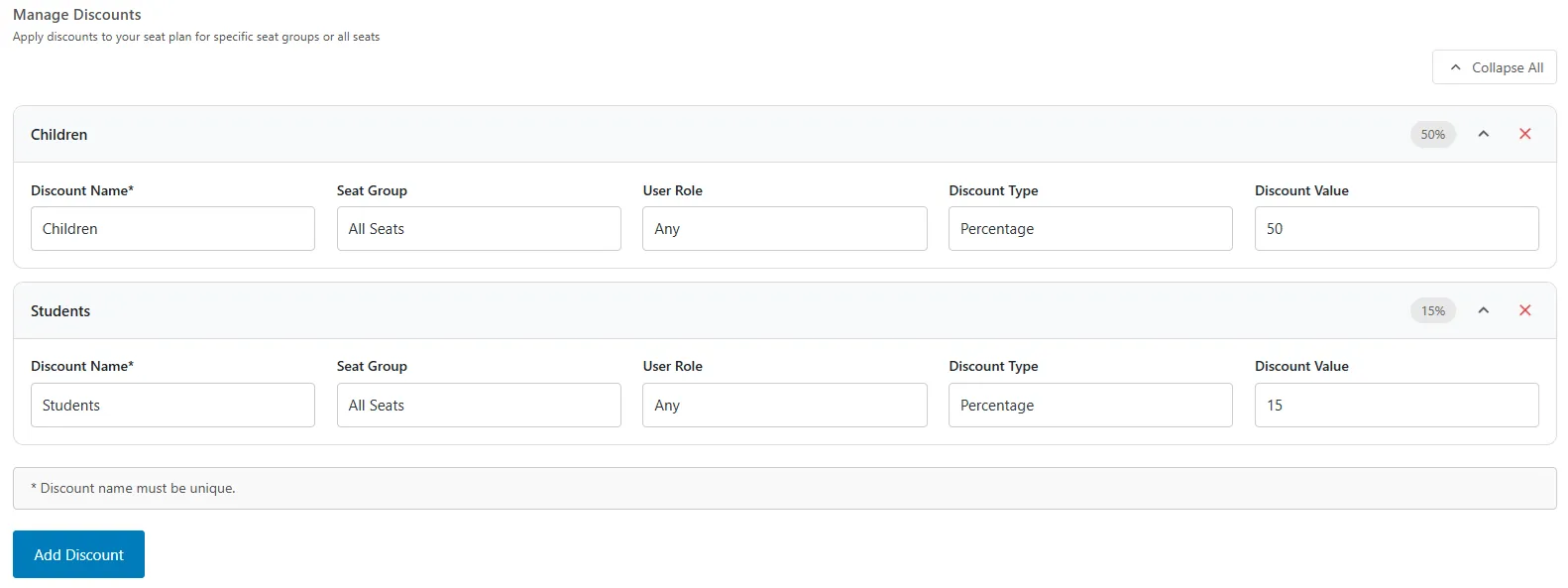
Configure discounts and promotional pricing for your seats.
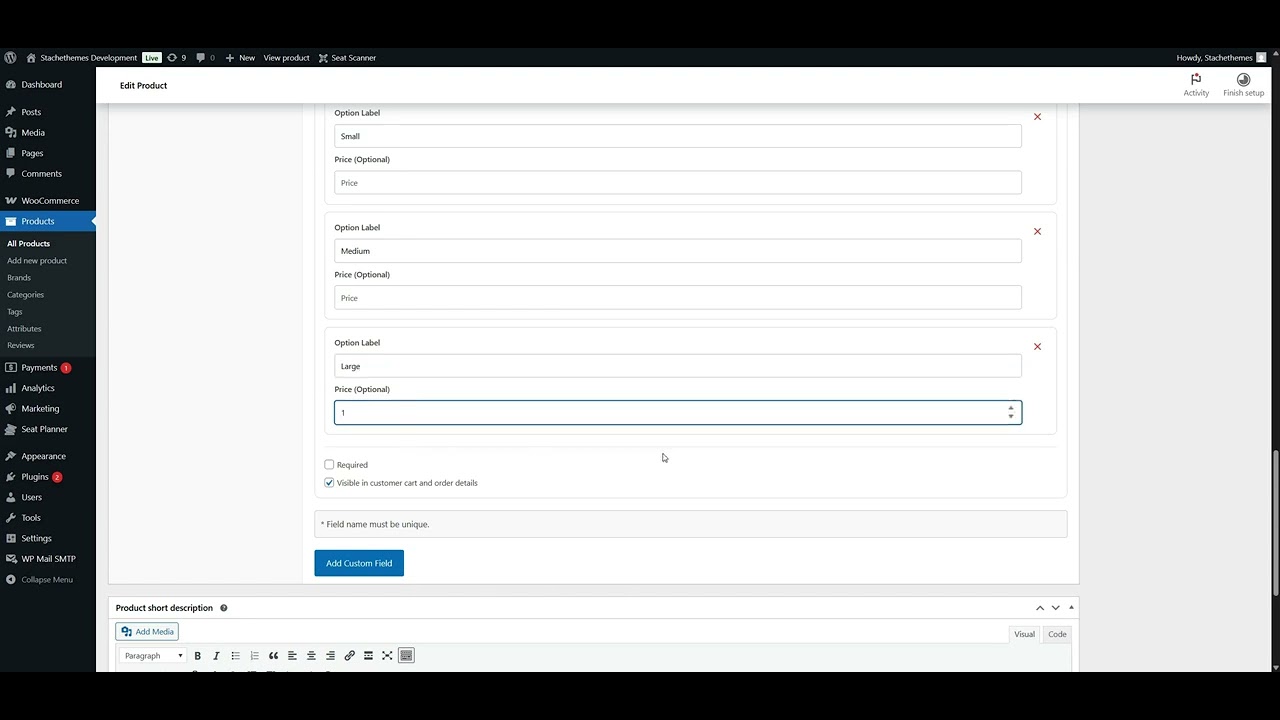
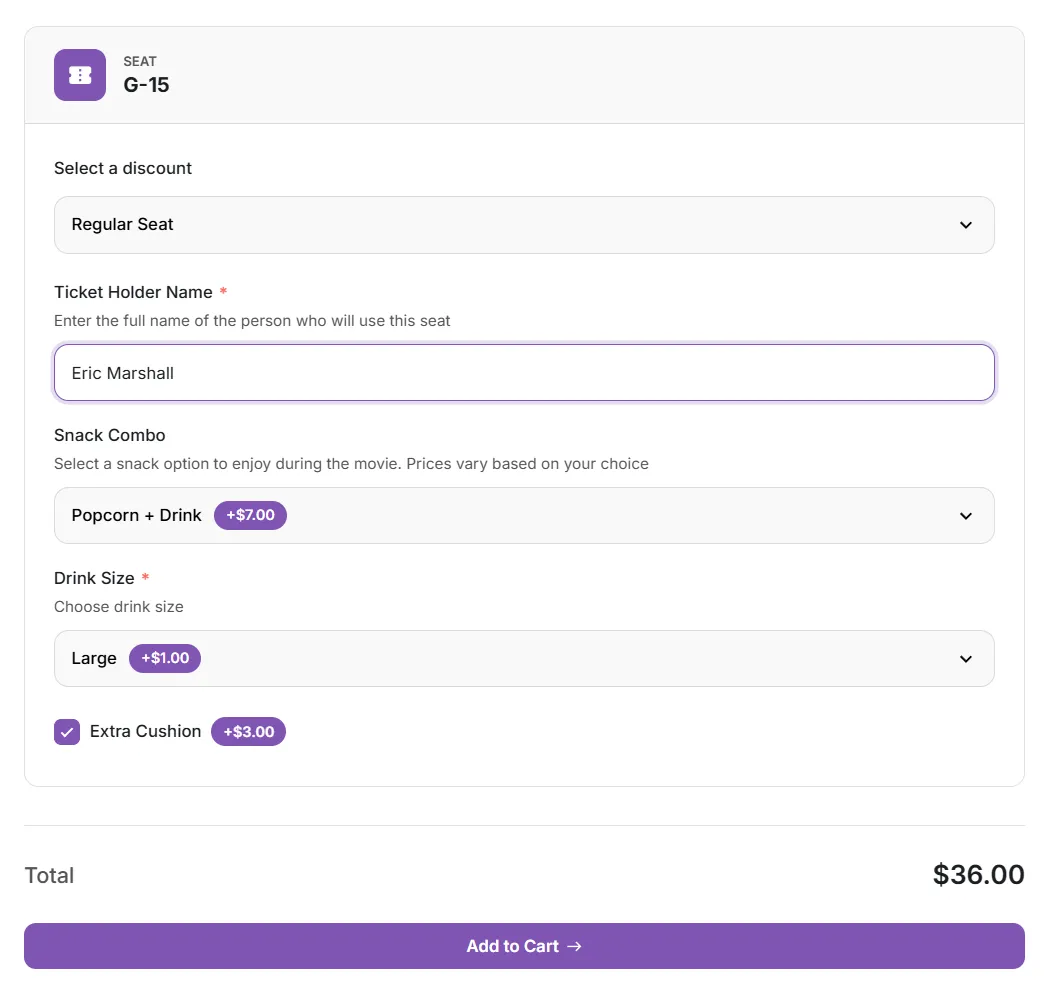
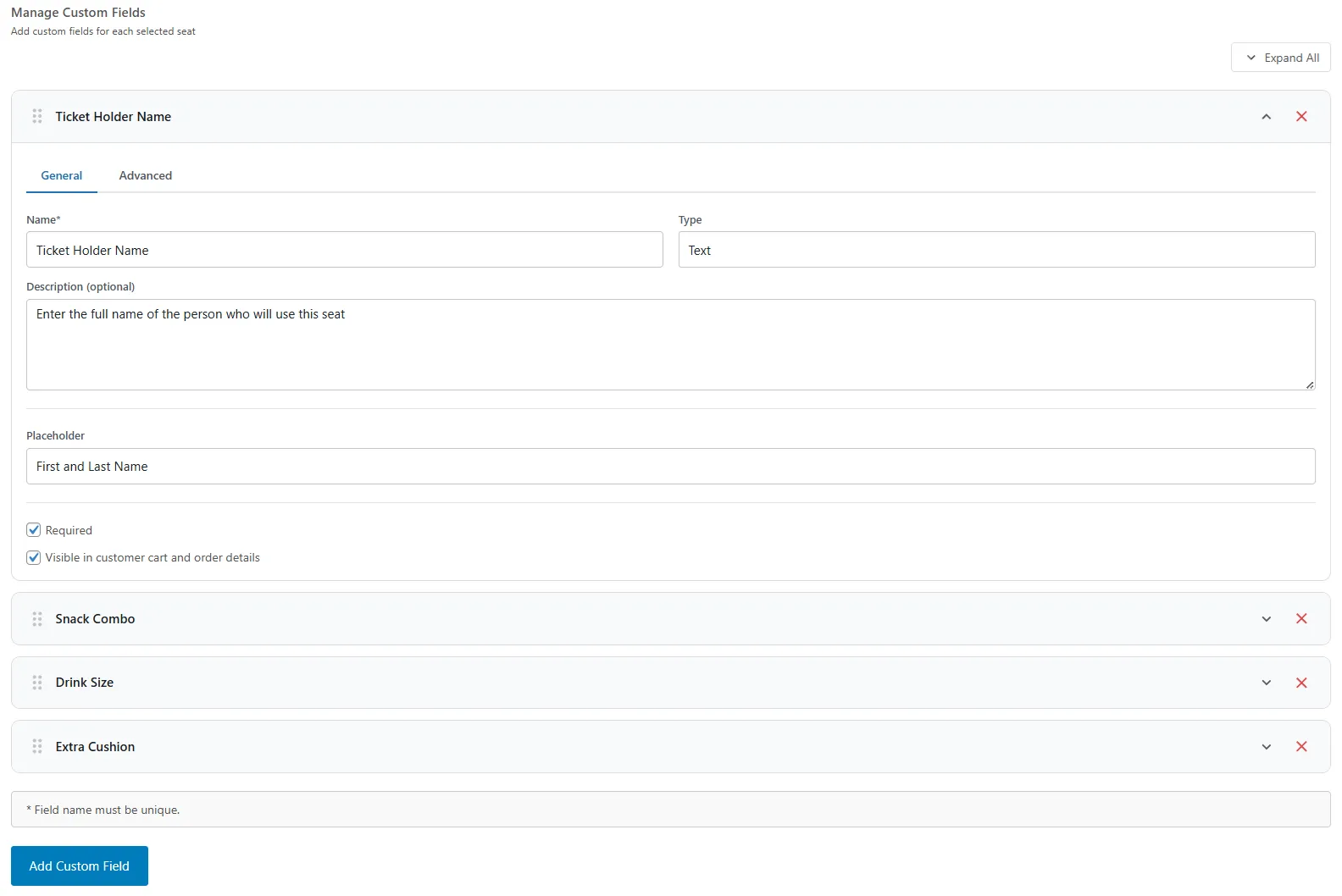
Collect extra information and offer add-ons using custom fields.
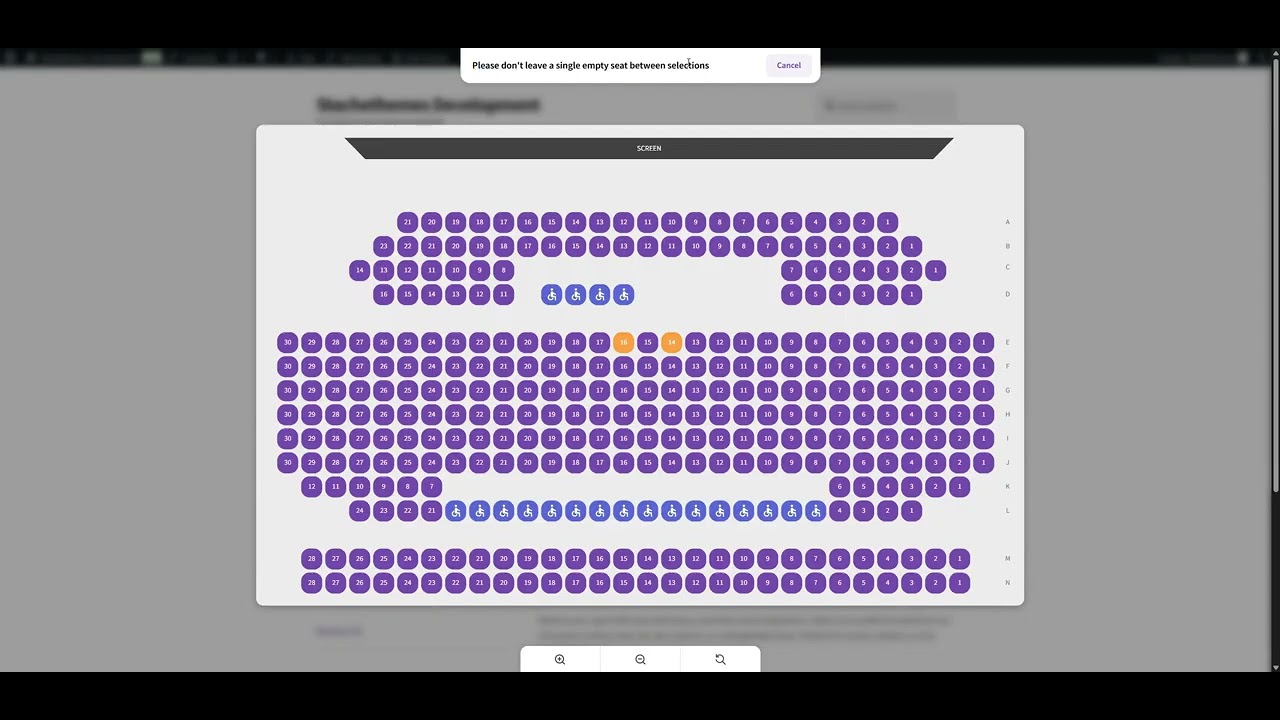
Avoid leaving isolated empty seats when customers book.
Show a standalone seat selection button anywhere using a shortcode.
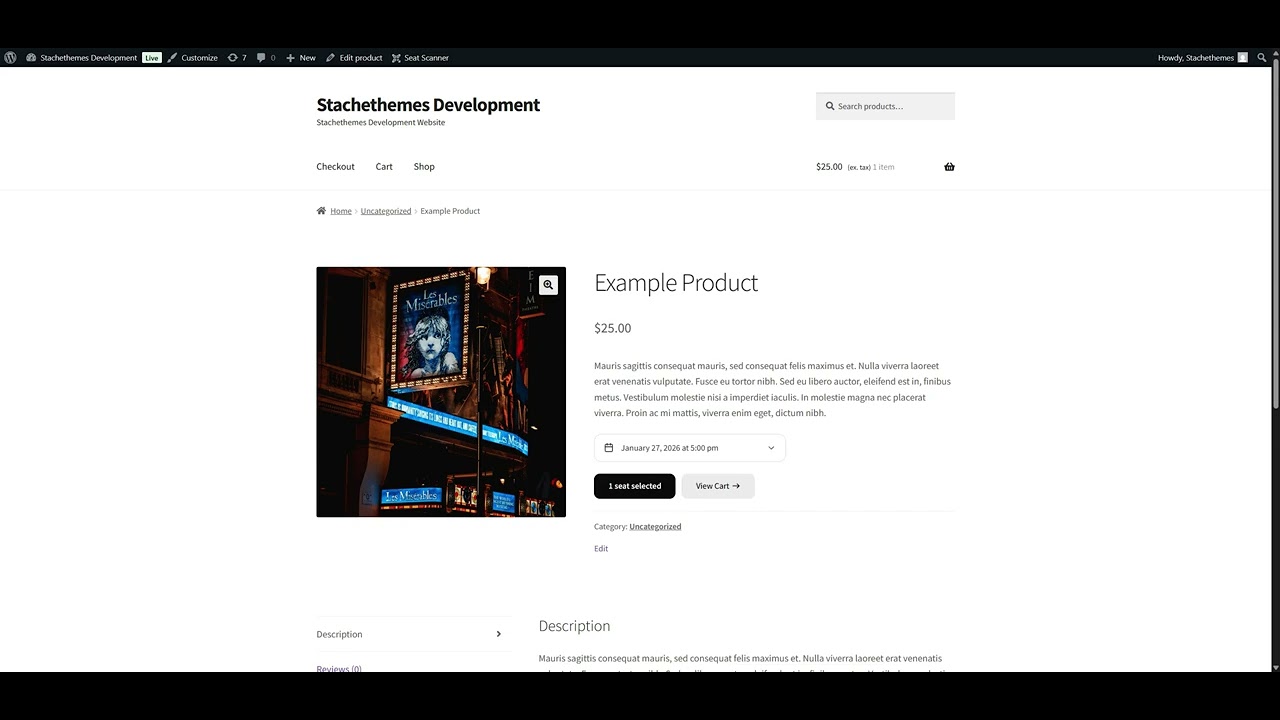
Automatically send users to cart or checkout after seat selection.
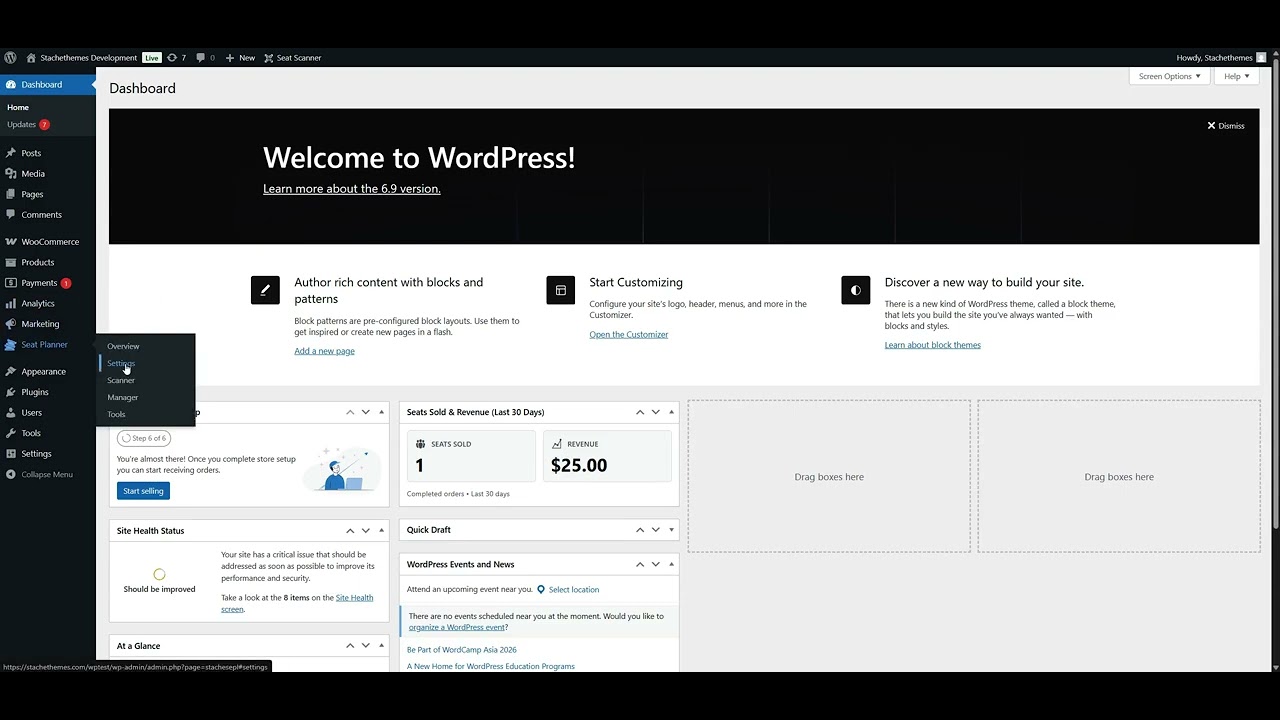
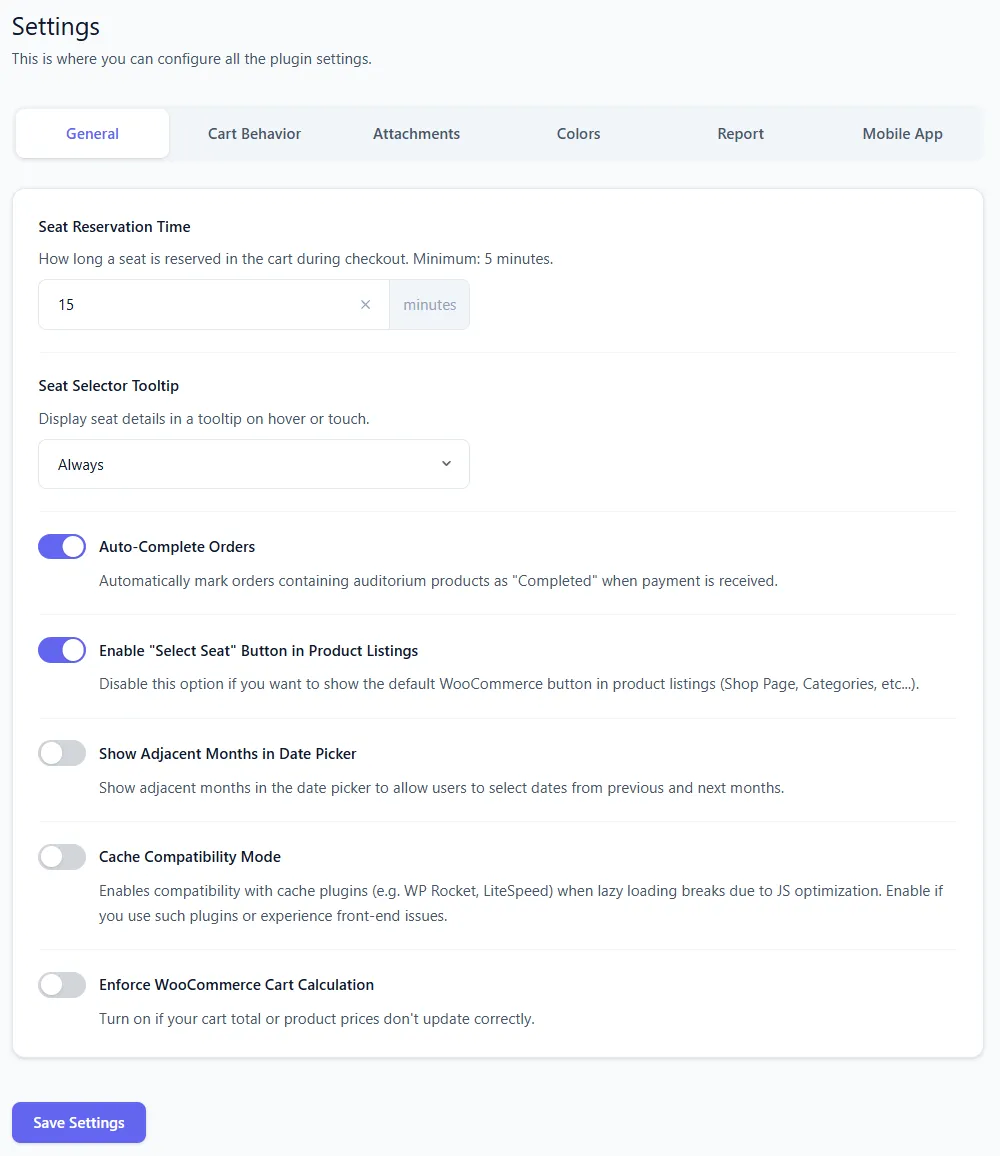
Configure auto-completion of orders after successful payment.
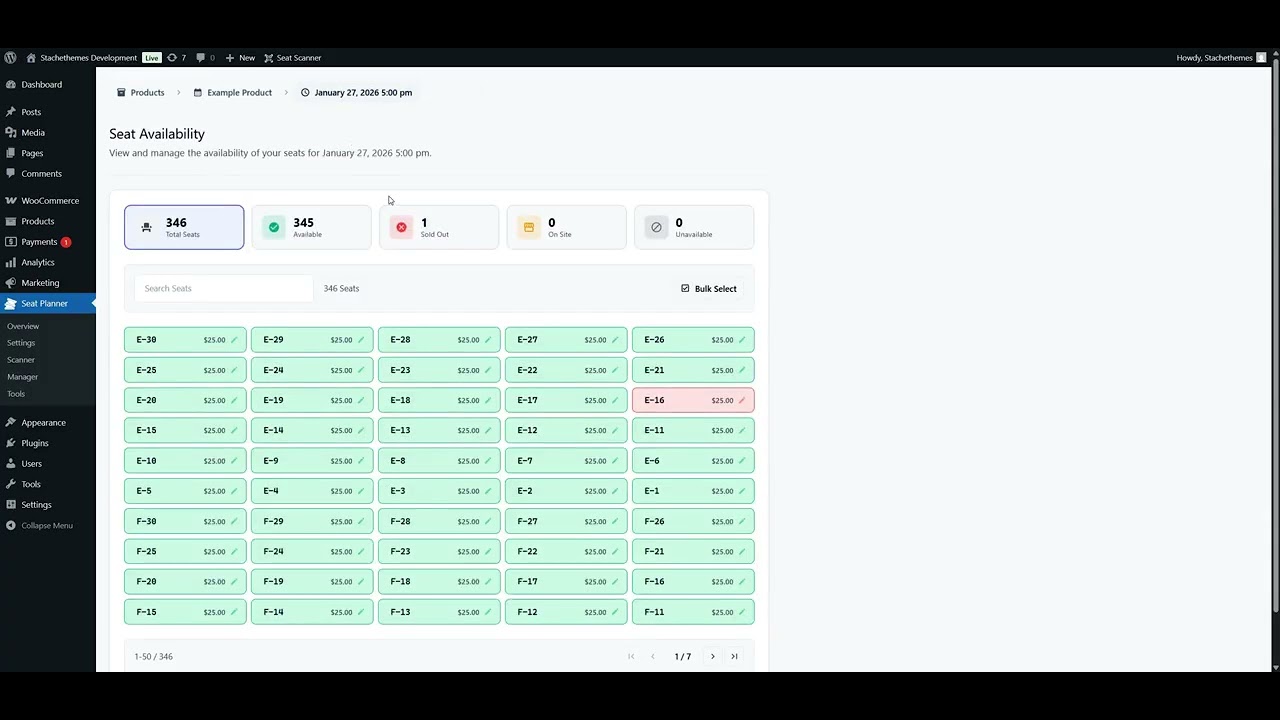
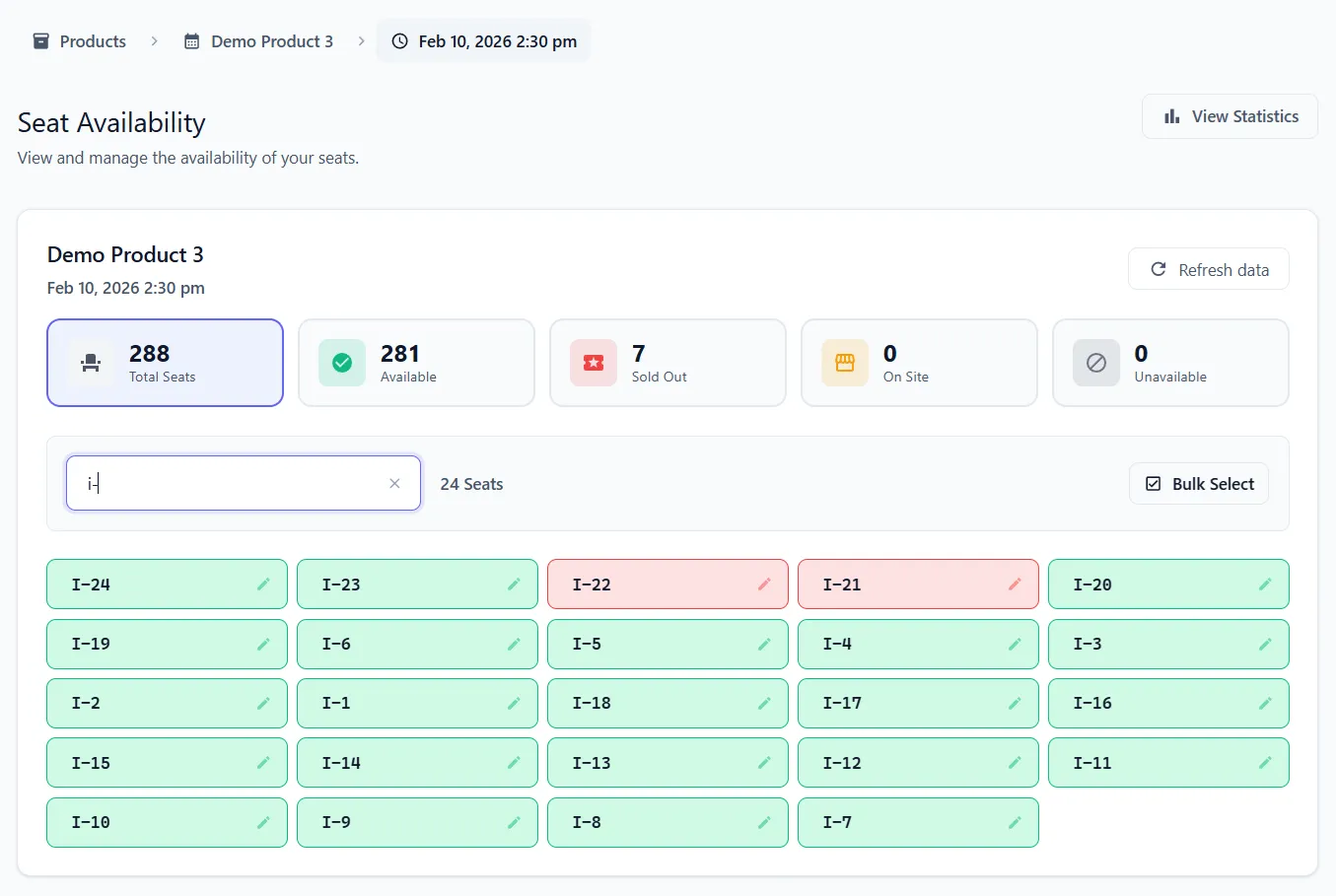
Manually adjust seat status and edit existing orders.
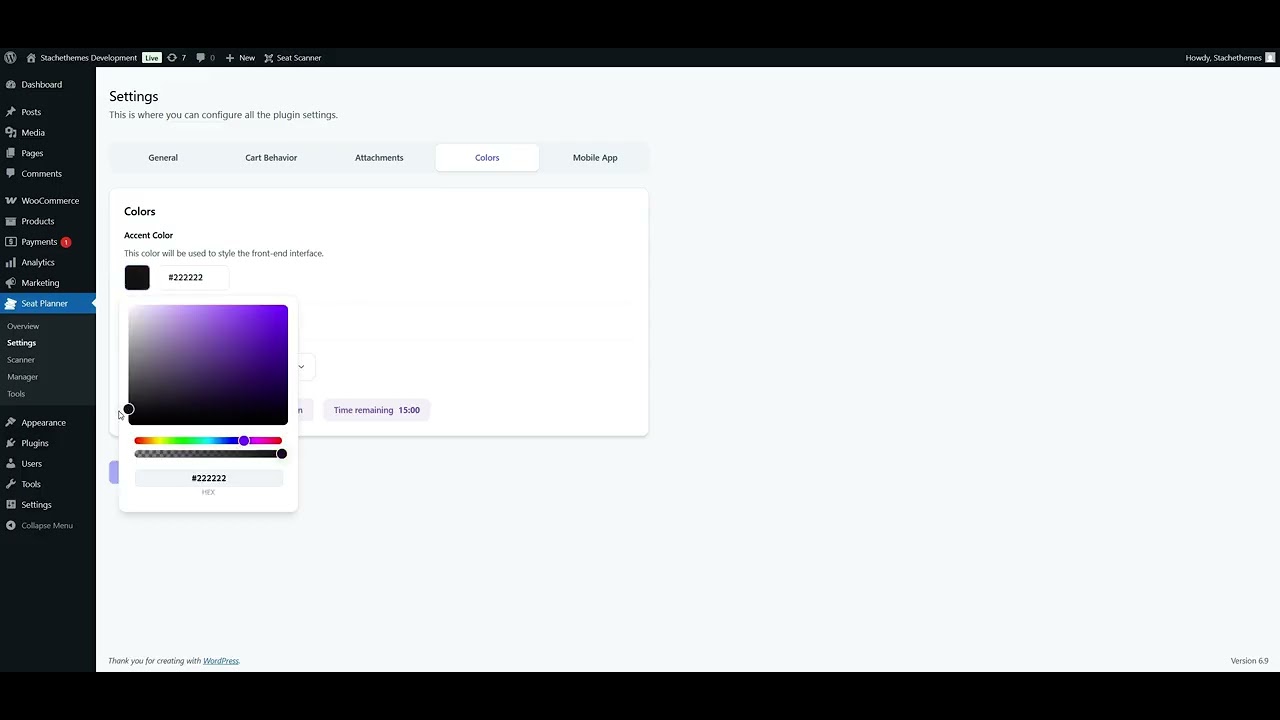
Customize the accent color to match your site branding.
Stachethemes is a small team based in Bulgaria, Europe. For more than 14 years we have built and supported premium WordPress plugins, including products sold on WooCommerce.com. Seat Planner is our solution for small and medium venues that sell assigned seats through WooCommerce-from layout design to checkout, PDF tickets, and door check-in.
Small and medium venues where customers must pick a specific seat or table - theaters, cinemas, restaurants, comedy clubs, workshops, and similar spaces. If your flow is "choose a seat, then pay," this plugin is built for you. It is not aimed at large stadium-scale ticketing.
No. Seat Planner does not take a cut of ticket sales. You pay for the plugin license; your revenue goes through your WooCommerce store and payment provider as usual.
Yes. Use the live demo on this site to test the customer experience, or install the free Lite version on WordPress.org for a limited feature set. The full version is available on WooCommerce.com with a 30-day refund policy.
When a customer adds seats to the cart, those seats are reserved for a set time (configurable, minimum 5 minutes) while they complete checkout. The plugin also checks for conflicts early and includes Tools to detect double bookings, ghost bookings, and orphan taken seats.
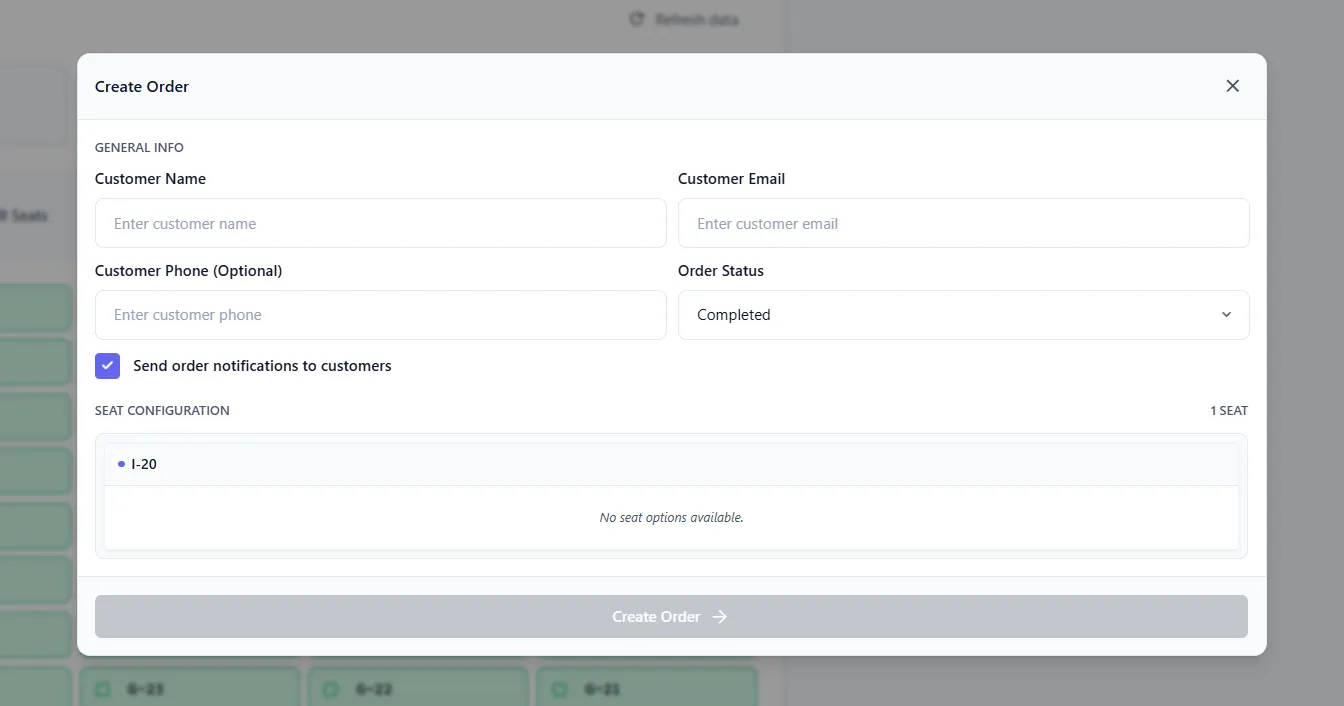
Yes. The Manager lets you view availability per date, override seat status, create orders for multiple seats at once, and move bookings to another date. Tools also let you edit seat, date, discount, and custom field data on existing orders.
Yes. Add as many date and time slots as you need on a single product. Availability is tracked per slot, so the same seat can be sold for one performance and still open for another. You can also stop online sales a set time before each session starts.
Yes. The Manager allows you to override seat availability for specific dates and times, create orders for multiple seats at once, and move bookings to another date.
Yes. You can attach PDF tickets and unique QR codes to order emails, and allow downloads from My Account. QR codes can be scanned at the door with the built-in admin scanner or the free Android app.
With an active Pro license, use WooCommerce.com Support and select Seat Planner for purchase-related help. You can also contact the Stachethemes support desk for general questions. See “What does priority support include?” below for details.
Yes. Beyond setup help covered by your Pro license, we take on paid customization projects when you need something specific that is not covered by the plugin. Custom work is quoted separately from the plugin subscription. Contact the Stachethemes support desk or email stachethemes@gmail.com with your requirements and we will let you know scope, timeline, and cost.
Add interactive seat selection to your WooCommerce store in minutes.